


【Information Security Advocacy】Beware of Fake Verification Requests!
publish date :
2026-07-03
update date :
2026-07-03
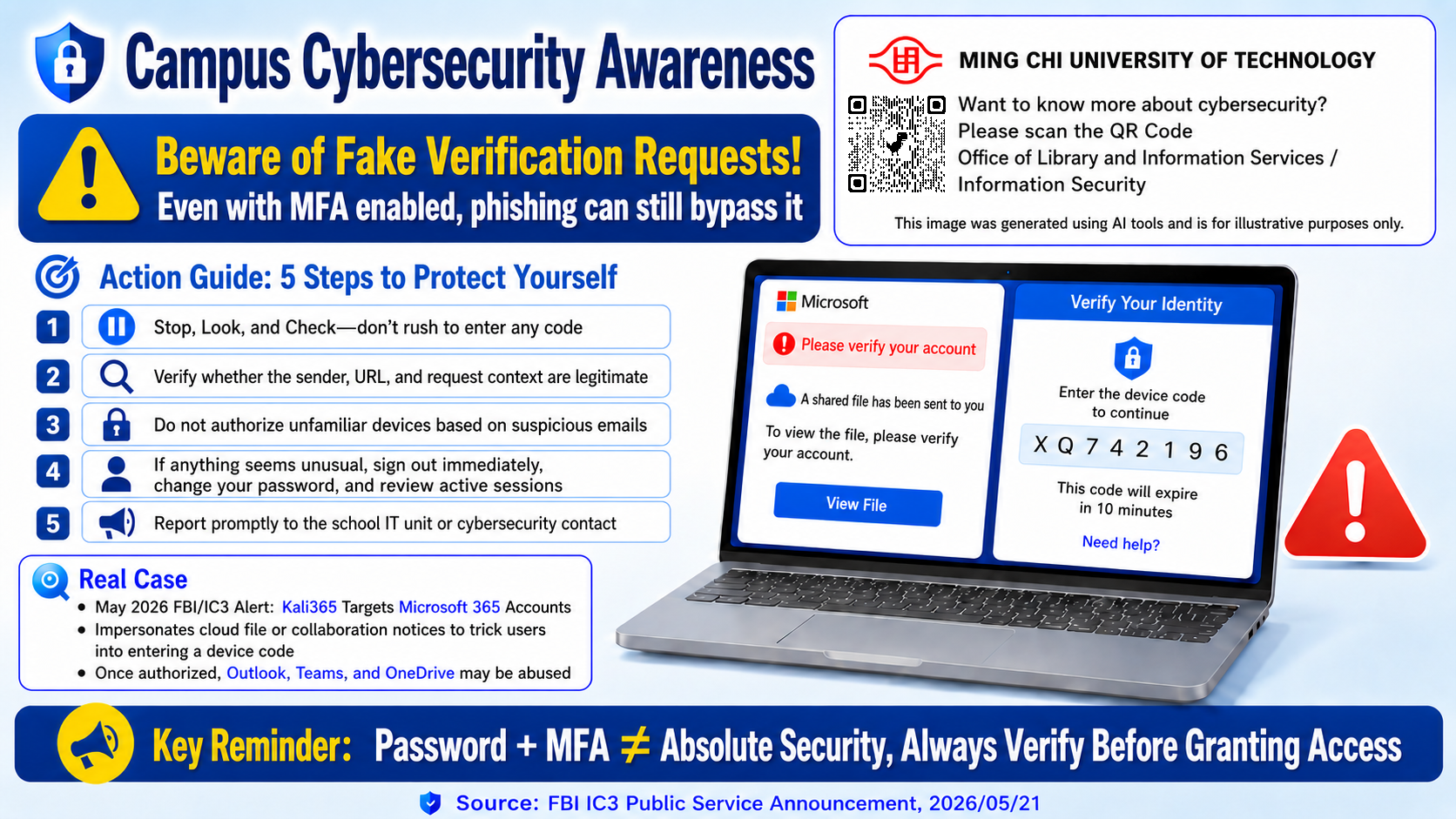
Campus Cybersecurity Awareness
Beware of Fake Verification Requests!
Even with MFA enabled, phishing attacks may still bypass account protection. Cybercriminals may impersonate cloud services, shared file notifications, or collaboration platforms to trick users into entering a device code and granting access to their accounts.
According to the FBI IC3 Public Service Announcement issued on May 21, 2026, the Kali365 phishing-as-a-service platform has been used to target Microsoft 365 accounts. Attackers may pretend to be legitimate Microsoft or cloud service notifications and lure users into entering a device code. Once access is granted, services such as Outlook, Teams, and OneDrive may be compromised.
Action Guide: 5 Steps to Protect Yourself
- Stop, Look, and Check
Do not rush to enter any verification code or device code. - Verify the Source
Check whether the sender, URL, and request context are legitimate. - Do Not Authorize Unknown Devices
Never authorize unfamiliar devices based on suspicious emails or messages. - Act Immediately if Something Seems Unusual
Sign out, change your password, and review active sessions. - Report Promptly
Report suspicious activity to the school IT unit or cybersecurity contact.
Key Reminder
Password + MFA ≠ Absolute Security.
Always verify before granting access.
Organizer:
Computer Center